Book the whole appointment.
The receptionist checks whether the caller needs removal as well as a manicure. Your complete service menu provides the matching appointment length, so the removal gets time too.
Service and removalmatching duration
Built around your business
See how NiceAgents fits the work you do and the customers you serve.
Explore all industriesFree business tools
Use your own numbers to explore costs, missed opportunities and capacity.
Explore all seven toolsA perfect finish takes concentration. Let NiceAgents handle appointment calls, explain your service menu and find time for the next client while you look after this one.
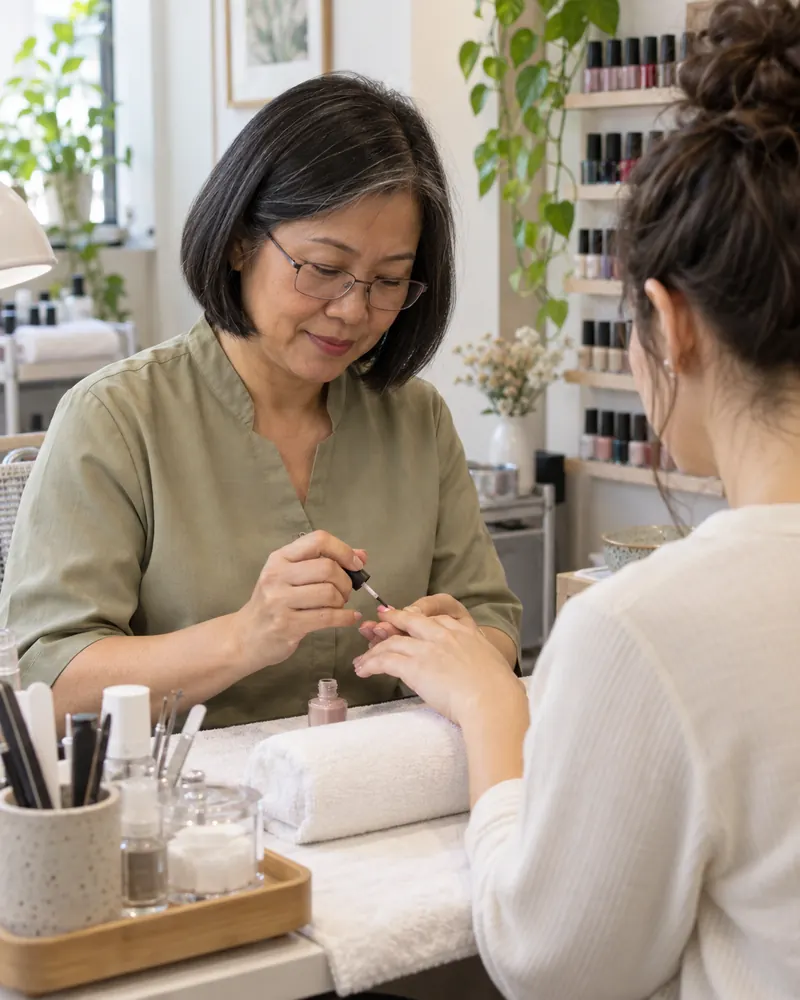
A service name alone misses half the request. Keep the preparation and technician preference with the appointment.


Actual product UI. Example details saved manually in a demo account—not a live call.
Create combined services with their full duration; staff selection depends on your plan.
The receptionist checks whether the caller needs removal as well as a manicure. Your complete service menu provides the matching appointment length, so the removal gets time too.
Build around the services your salon actually offers, from a simple polish to a longer appointment.
Include removal, nail art or add-ons in the services and durations you want booked.
Add your hours and team. Choose a staff-scheduling plan if clients book particular technicians.
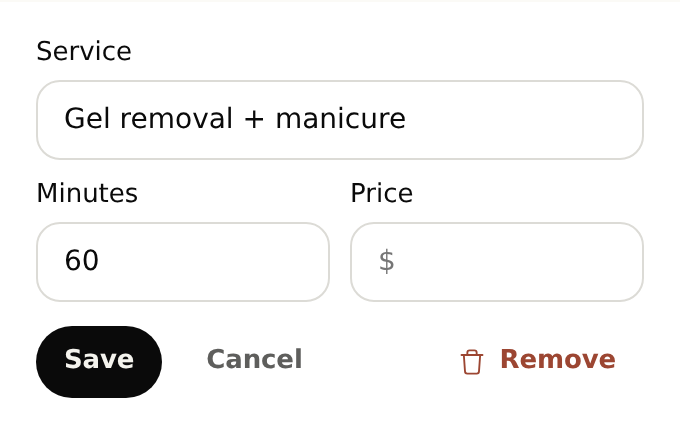
Yes. On a plan with staff calendars, add your technicians and their availability. The receptionist can check the requested technician’s available times and keep that preference with the appointment.
Start with your business details, services and opening hours. Add the information callers often ask for and the questions you want reception to ask. For bookings, set service durations and availability. With your plan active, browser-test the setup before forwarding calls.
Yes. Once your NiceAgents line is active, choose which calls to forward using your phone provider’s settings. You can configure and browser-test your receptionist before changing your forwarding.
NiceAgents brings your calls, bookings and business information together in one place. Already using software for your salon? Tell us what you use and what you need—we’ll do our best to accommodate your existing setup.
Yes, when those options are part of the service menu and durations you configure. For a design that needs an estimate, have the receptionist take the details for your salon.
Your salon confirms group arrangements. The receptionist can collect the requested date, services and number of people for follow-up, so your team can coordinate the appointments.
Bring your calls, schedule and business information into NiceAgents. Start with your business details, then choose your plan and configure your receptionist.
Set up your receptionist Compare plans