Turn an inquiry into time to unwind.
The receptionist explains your treatment menu and books an available appointment with the duration you set. Your practitioner gets the guest’s request alongside the booking.
Listed treatmentavailable appointment
Built around your business
See how NiceAgents fits the work you do and the customers you serve.
Explore all industriesFree business tools
Use your own numbers to explore costs, missed opportunities and capacity.
Explore all seven toolsLet guests ask about treatments, book available times and get your arrival instructions while your practitioners are with someone. Personal arrangements come back to your team.
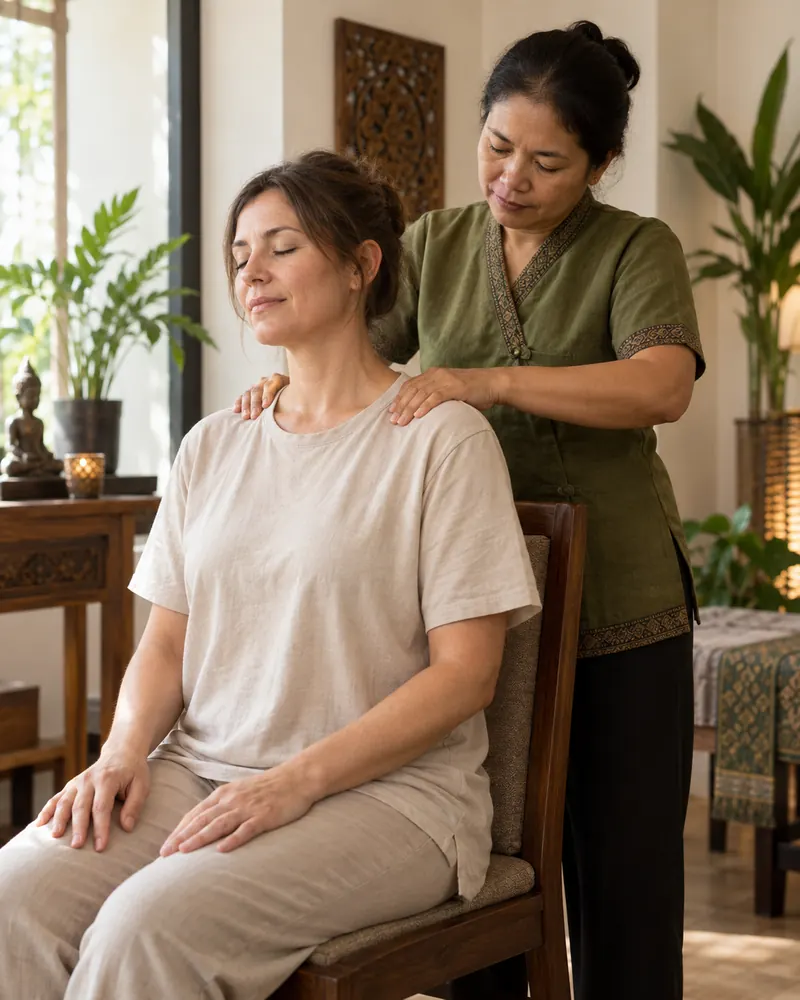
The treatment, time and first-visit details stay together for the practitioner welcoming the guest.


Actual product UI. Example details saved manually in a demo account—not a live call.
Your spa supplies arrival guidance; packages and shared-room arrangements need your team's confirmation.
The receptionist explains your treatment menu and books an available appointment with the duration you set. Your practitioner gets the guest’s request alongside the booking.
Choose the treatments that can be booked directly and the arrangements you prefer to confirm personally.
Set your service menu, appointment lengths and opening hours.
Keep packages, shared-room capacity and suitability questions with your team.
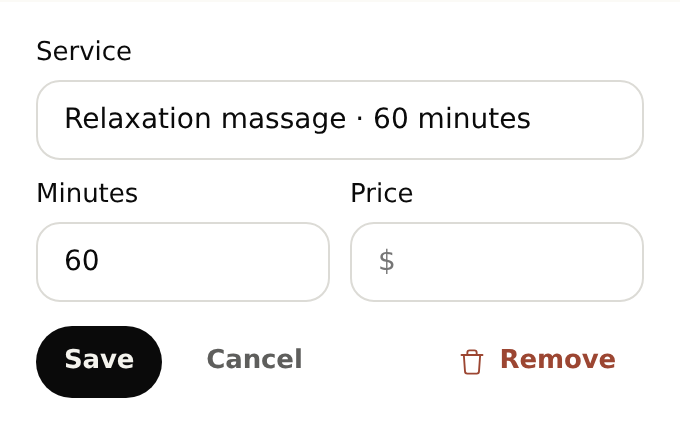
Add your arrival time, parking and preparation information to your business knowledge. The receptionist can share those details when guests ask, alongside the treatment options and appointment times you offer.
Start with your business details, services and opening hours. Add the information callers often ask for and the questions you want reception to ask. For bookings, set service durations and availability. With your plan active, browser-test the setup before forwarding calls.
Yes. Once your NiceAgents line is active, choose which calls to forward using your phone provider’s settings. You can configure and browser-test your receptionist before changing your forwarding.
NiceAgents brings your calls, bookings and business information together in one place. Already using software for your spa? Tell us what you use and what you need—we’ll do our best to accommodate your existing setup.
Your team confirms those arrangements. Set a callback rule for packages or bookings that depend on shared-room capacity, so the details reach someone who can coordinate them.
It can share the preparation information you provide. Personal suitability questions go to your practitioner. This page is for non-medical spa services, not clinical screening or medical practices.
Bring your calls, schedule and business information into NiceAgents. Start with your business details, then choose your plan and configure your receptionist.
Set up your receptionist Compare plans