Capture the concern in their words.
The receptionist asks where the issue appeared, how long it has been happening and which property is affected. The caller’s observations stay with the inspection request.
Reported issueinspection context
Built around your business
See how NiceAgents fits the work you do and the customers you serve.
Explore all industriesFree business tools
Use your own numbers to explore costs, missed opportunities and capacity.
Explore all seven toolsNiceAgents collects pest-control inquiries and arranges inspections while your team concentrates on the property they’re visiting.

The technician can read where the issue was noticed and how long it has been happening.


Actual product UI. Example details saved manually in a demo account—not a live call.
The inspection does not establish a diagnosis or guarantee treatment results.
The receptionist asks where the issue appeared, how long it has been happening and which property is affected. The caller’s observations stay with the inspection request.
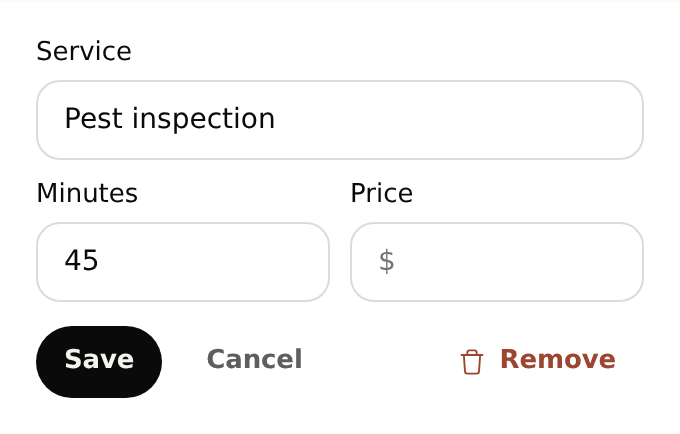
Set the inspections you offer and the time to allow. Keep the location and reported sightings ready for the technician assessing the property.
Supply the property questions, service information and appointment durations you use.
Share only your preparation instructions and send diagnosis or treatment questions to your team.
Yes. Ask where the issue appeared, how long it has been happening and which property is affected. The caller’s observations can stay with an available inspection booking.
Start with your business details, services and opening hours. Add the information callers often ask for and the questions you want reception to ask. For bookings, set service durations and availability. With your plan active, browser-test the setup before forwarding calls.
Yes. Once your NiceAgents line is active, choose which calls to forward using your phone provider’s settings. You can configure and browser-test your receptionist before changing your forwarding.
NiceAgents brings your calls, bookings and business information together in one place. Already using software for your business? Tell us what you use and what you need—we’ll do our best to accommodate your existing setup.
Your technician makes the assessment. The receptionist records what the caller reports and can arrange an inspection.
Treatment choices and expected results come from your team. NiceAgents handles reception and scheduling using your instructions.
Bring your calls, schedule and business information into NiceAgents. Start with your business details, then choose your plan and configure your receptionist.
Set up your receptionist Compare plans