Give every service its own time.
The receptionist uses the separate services and durations in your menu for full sets, removals and brow treatments. The chosen service stays with the appointment.
Treatment choicematching appointment
Built around your business
See how NiceAgents fits the work you do and the customers you serve.
Explore all industriesFree business tools
Use your own numbers to explore costs, missed opportunities and capacity.
Explore all seven toolsStay with the treatment while NiceAgents handles the phone. Share your studio’s services, book available appointments and bring uncertain requests back to your practitioner.
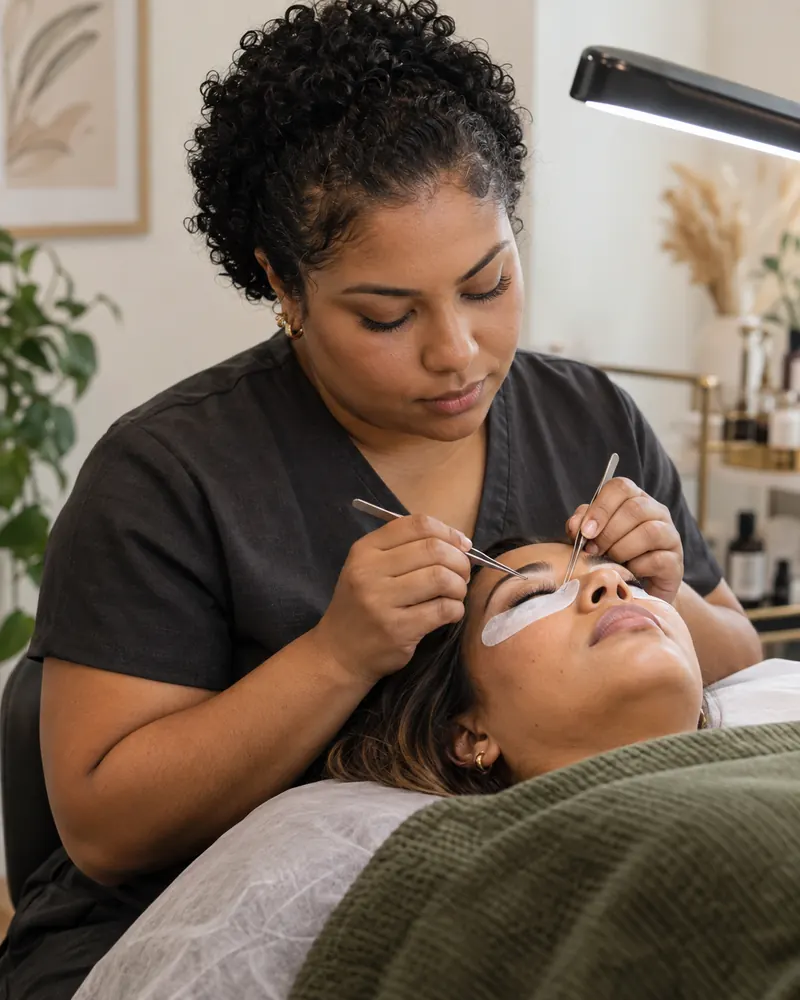
Your practitioner gets the detail that changes the service choice, ready for a focused follow-up.


Actual product UI. Example details saved manually in a demo account—not a live call.
The practitioner decides suitability. This example is an inquiry, not a confirmed treatment.
The receptionist uses the separate services and durations in your menu for full sets, removals and brow treatments. The chosen service stays with the appointment.
An uncertain infill needs your practitioner’s judgment before it needs a slot. Keep the treatment history with the person who will return the call.
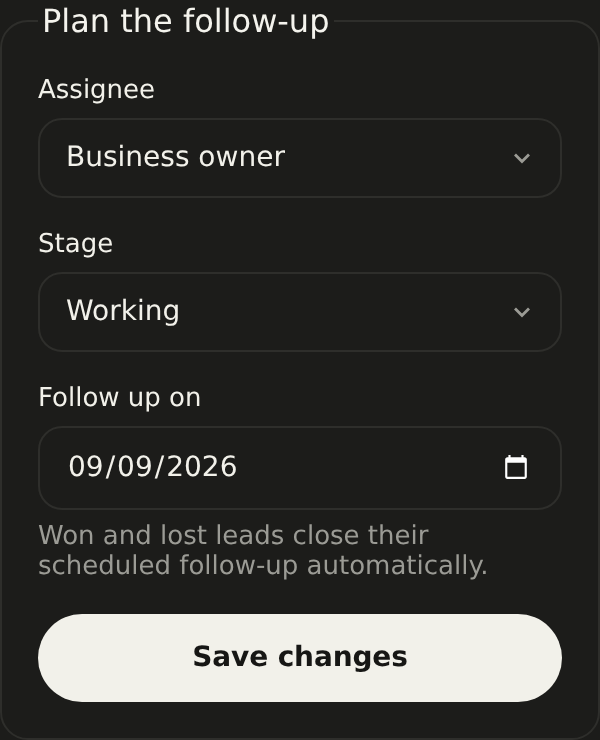
Set up your receptionistKeep the request, owner and next-action note together. Open the inquiry from your follow-up list.
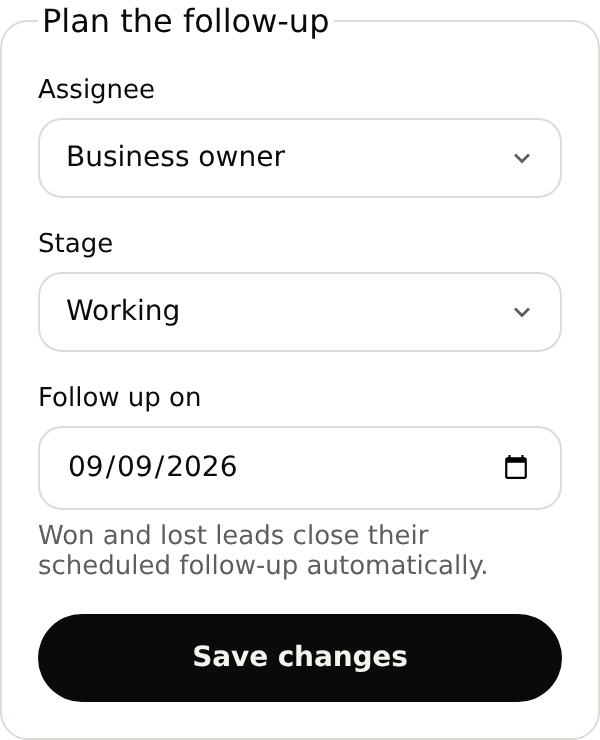
My lashes were done elsewhere three weeks ago. Is this an infill or a new set?
Browser-test a regular appointment, an uncertain infill and an occupied slot.
With your plan active, open the browser test in your account and use your microphone. Review the answer and saved details before forwarding your number.
Add your full sets, removals and brow treatments as separate services with their durations. Supply your service-selection instructions so reception can handle routine bookings and collect the details your practitioner needs for uncertain requests.
Start with your business details, services and opening hours. Add the information callers often ask for and the questions you want reception to ask. For bookings, set service durations and availability. With your plan active, browser-test the setup before forwarding calls.
Yes. Once your NiceAgents line is active, choose which calls to forward using your phone provider’s settings. You can configure and browser-test your receptionist before changing your forwarding.
NiceAgents brings your calls, bookings and business information together in one place. Already using software for your studio? Tell us what you use and what you need—we’ll do our best to accommodate your existing setup.
It follows the service-selection rules you supply. If the request needs an assessment, your practitioner chooses the treatment through a consultation or callback.
Those questions belong with your practitioner. The receptionist can share your studio’s preparation instructions and take a request for a personal follow-up.
Bring your calls, schedule and business information into NiceAgents. Start with your business details, then choose your plan and configure your receptionist.
Set up your receptionist Compare plans