Make the first conversation less daunting.
The receptionist explains the coaching services and introductory sessions you offer. Callers can arrange a first conversation at an available time.
First inquiryintroductory session
Built around your business
See how NiceAgents fits the work you do and the customers you serve.
Explore all industriesFree business tools
Use your own numbers to explore costs, missed opportunities and capacity.
Explore all seven toolsFor coaching practices that receive inquiries by phone. NiceAgents explains your session options and books available introductions, so you can finish a session without leaving the next caller to voicemail.

The reason for getting in touch is there when you prepare for the introductory session.


Actual product UI. Example details saved manually in a demo account—not a live call.
This example covers non-clinical coaching and an introductory appointment.
The receptionist explains the coaching services and introductory sessions you offer. Callers can arrange a first conversation at an available time.
Help callers understand your offer without asking them to explain everything to reception.
Supply the services and introductory-session information you want callers to hear.
Add the appointments you offer and the hours you want booked.
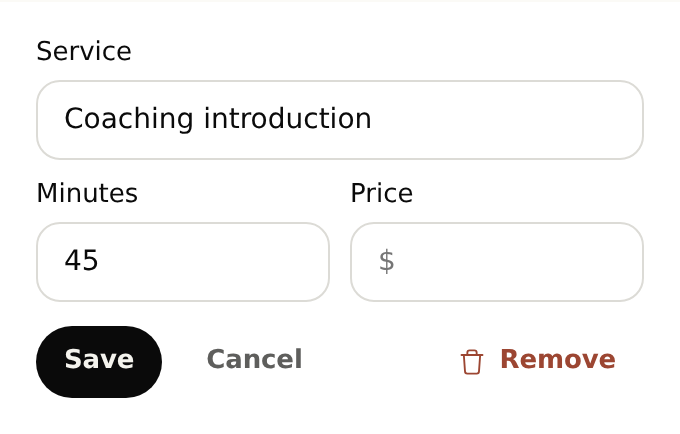
Yes. Create distinct services for introductions and ongoing sessions, each with its own duration. Reception explains the options you supply and offers appointments within your configured availability.
Start with your business details, services and opening hours. Add the information callers often ask for and the questions you want reception to ask. For bookings, set service durations and availability. With your plan active, browser-test the setup before forwarding calls.
Yes. Once your NiceAgents line is active, choose which calls to forward using your phone provider’s settings. You can configure and browser-test your receptionist before changing your forwarding.
NiceAgents brings your calls, bookings and business information together in one place. Already using software for your practice? Tell us what you use and what you need—we’ll do our best to accommodate your existing setup.
The coaching stays with you. NiceAgents shares your service information and helps arrange the next conversation.
This page covers non-clinical coaching. Healthcare and clinical workflows are outside this offering.
Bring your calls, schedule and business information into NiceAgents. Start with your business details, then choose your plan and configure your receptionist.
Set up your receptionist Compare plans